

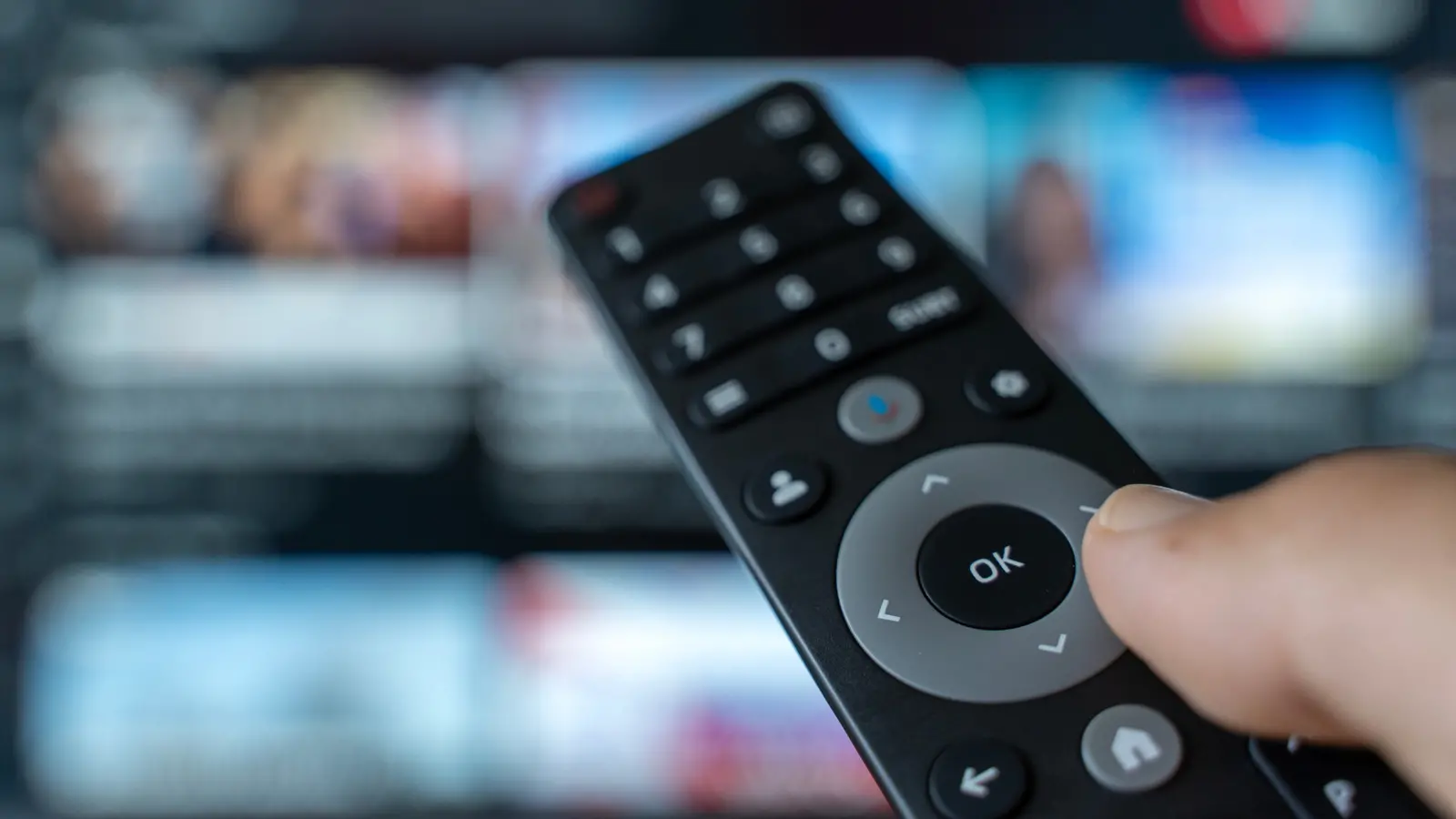
No television would be complete without a remote control. TV companies have taken liberties with this tried-and-true control method, from making them really tiny and eliminating buttons to incorporating microphones and even screens on remote controls. While many modern smart TVs have shifted to Bluetooth or Radio Frequency (RF) connections, millions of good old-fashioned infrared and universal remote options still exist. Every TV owner knows that a remote control getting dirty is unavoidable.
Whether it's dust from infrequent use or the oil from snacks prepared for movie night, dirt accumulates quickly. A remote control can harbor bacteria, viruses, and grime that transfer to your hands every time you press a button. A 2018 study by the University of Arizona found that remote controls in hotel rooms were among the most contaminated surfaces, with traces of fecal matter and cold viruses. In homes, the story is similar: the remote sits on coffee tables, couches, and floors, collecting everything from pet dander to food crumbs.
The Science of Remote Control Grime
Remote controls are high-touch surfaces, yet they are often overlooked during routine cleaning. The crevices between buttons trap dead skin cells, sweat, and oils. The plastic casing can become sticky due to plasticizer migration (rubber reversion) in older models. Infrared remotes have a transparent window at the tip that can cloud over, reducing the device's range. Bluetooth and RF remotes do not have that issue, but their batteries and circuit boards are still sensitive to moisture and corrosive residues.
According to the Centers for Disease Control and Prevention (CDC), disinfecting frequently touched surfaces can reduce the spread of respiratory illnesses. For remote controls, the challenge is balancing disinfectant efficacy with electronic safety. Harsh chemicals like bleach or ammonia can damage the plastic finish, while water alone cannot kill germs. The solution is 70% isopropyl alcohol, which evaporates quickly and is safe for electronic components when used sparingly.
How Often Should You Clean?
Most cleaning experts recommend a deep cleaning of your remote controls once a month. However, increase frequency during cold and flu season or if someone in your household is sick. In that case, clean the remote daily until symptoms subside. For households with young children or pets, consider weekly wipe-downs because remotes are often dropped on the floor or chewed. If you eat while watching TV, crumbs and grease will accumulate faster, so spot-clean after each use.
It's also wise to clean shared remotes (e.g., for the living room TV or streaming devices) more often than personal ones in bedrooms. If you use a universal remote to control multiple devices, it gets handled frequently and should undergo weekly maintenance.
Step-by-Step Cleaning Process
Proper cleaning involves more than just wiping the surface. Follow these steps for a thorough and safe remote control cleaning:
- 1. Remove the batteries. This prevents any potential short-circuits if moisture seeps inside. Take out the battery compartment cover and set batteries aside.
- 2. Disassemble if possible. On many remotes, you can pop off the rubber keypad to clean underneath. Check the device manual or look for tiny screws. Do not force plastic clips; they can break.
- 3. Clean the casing. Dampen a microfiber cloth with 70% isopropyl alcohol. Wipe down every surface, especially the back and edges. Avoid pouring liquid directly onto the remote. If using disinfecting wipes, choose ones labeled safe for electronics (such as Clorox or Lysol wipes approved by the American Chemistry Council).
- 4. Tackle the buttons and crevices. Use a toothpick, a dry cotton swab, or a soft-bristled brush to remove grime from around buttons. For sticky residue, dip the toothpick in alcohol and gently scrape. Do not use metal tools as they can scratch the plastic.
- 5. Clean the IR window or sensor. If your remote uses infrared, gently wipe the small window at the top. A dirty window reduces range. For remotes with a microphone or touchpad, use compressed air to blow out dust from openings.
- 6. Dry thoroughly. Let the remote air-dry for at least 10 minutes. Reassemble any parts and reinsert batteries.
If you have multiple remotes in your home — for TVs, soundbars, streaming sticks, gaming consoles, air conditioners, or ceiling fans — repeat this process for each one. It helps to label them or assign a specific cleaning day to avoid neglect.
Alternative Cleaning Methods
Not all remotes are created equal. Some modern designs have silicon rubber keypads that can be removed and washed in warm soapy water. For fully sealed waterproof remotes (rare), you can rinse under running water, but check the manufacturer's guidance first. For remotes with a built-in rechargeable battery, you cannot remove the power source, so be extra careful with liquids: use minimal moisture and tilt the remote so no fluid runs into the charging port.
UV-C light sanitizers can also be used for remotes, but they only disinfect the surface exposed to light. They do not remove physical grime. Ultrasonic cleaners are effective for deep-cleaning plastic casings, but you must remove the circuit board and batteries first — a task best left for tech enthusiasts.
Health and Hygiene Considerations
The COVID-19 pandemic highlighted the importance of cleaning shared surfaces. Remotes passed from person to person can transmit viruses like influenza, coronaviruses, and norovirus. A study by the National Institutes of Health found that live coronavirus could survive on plastic surfaces for up to 72 hours. Regular cleaning with alcohol or EPA-approved disinfectants kills these pathogens within minutes.
Apart from viruses, remote controls can harbor bacteria that cause skin infections, especially if the buttons are sticky or the casing is cracked. Mold can grow in damp environments when remotes are left near windows or bathrooms. For these reasons, keep remotes away from humidity and clean them proactively.
Extending the Life of Your Remote
Cleaning not only improves hygiene but also prolongs the life of your remote. Dust can clog button contacts, making them unresponsive. Sticky residues attract more dirt, accelerating wear. By keeping the remote clean, you reduce the likelihood of button failures that short-circuit the device. Also, use fresh batteries and remove them if the remote will not be used for months (e.g., a spare TV in a guest room). Battery leakage is a common cause of remote failure; its corrosive acid can destroy internal components.
If your remote has a touchscreen (like some smart remotes), use a screen-safe cleaner (70% alcohol on a microfiber cloth) or a dedicated screen cleaner. Avoid paper towels as they can scratch. For remotes with a microphone hole, use compressed air to blow out dust that can muffle audio input.
Another tip: store remotes in a dry, covered container or a designated caddy. Some people use silicone covers that can be removed and washed weekly, reducing the need for deep cleaning the remote body. These covers often have clear markings and can be bought for standard remote shapes.
Additional Considerations for Different Remote Types
Gaming console controllers are essentially advanced remotes with joysticks and triggers. They require similar care: wipe down with alcohol after each gaming session to remove sweat and oils, especially if shared. For controllers with built-in rechargeable batteries, use a slightly damp cloth around the grips and buttons. Avoid the charging port area.
Universal remotes that control multiple devices often have a complicated button layout. They are handled more frequently as users search for the correct function. Clean them weekly and consider using a label maker to identify each set of buttons.
Smart remotes with voice assistants (e.g., Roku Voice Remote, Apple Siri Remote) have sensitive microphones and motion sensors. For these, avoid spraying liquid near the mic holes. Instead, use a dry microfiber cloth for the body and only a very lightly moistened one for the buttons. To clean the touchpad, use a dry cloth; if needed, dampen it with water (not alcohol) as some coatings react poorly to solvents.
For remotes used by children, check for small parts that can come off. The buttons may be larger and easier to clean. In a child's room, washable silicone covers are ideal. Teach kids to wash hands before using the remote to reduce grime buildup.
Final Practical Tips
To make remote cleaning a habit, schedule it at the same time as other monthly tasks like changing air filters or vacuuming behind electronics. Keep a dedicated cleaning kit (microfiber cloth, alcohol, toothpicks, and cotton swabs) near your television stand. Many people find that a quick weekly wipe-down prevents the need for deep scrubbing later.
If you notice that your remote has stopped working even after cleaning, the problem may not be dirt. Check the batteries, test the IR emission with a phone camera (point the remote at your phone lens while pressing a button; you should see a faint purple light if it's an IR remote), or look for broken solder joints. If the remote is beyond repair, consider buying a universal replacement before spending on a manufacturer's model.
Ultimately, maintaining clean remote controls is a simple but effective way to safeguard your family's health and ensure your entertainment system functions smoothly. With a little effort each month, you can enjoy Netflix, gaming, and other media without sharing germs with your guests or yourself. A clean remote is a small courtesy that speaks volumes about your household's hygiene standards.
Source: SlashGear News